 RPN 50g
HP 50g graphing calculator emulator for iPhone, iPad, Mac and WindowsThe real thing — HP's own firmware, on emulated hardware.
The last and most powerful of the HP 48 lineage — 48S, 48G, 49G, 49g+, 50g — the RPN machine engineers and scientists never let go of, with an advanced computer algebra system and everything a scientific calculator can do. RPN 50g emulates its hardware and runs Hewlett-Packard's original firmware: every function, mode, flag and quirk, key click included. A true emulator, not a simulator with a look-alike keyboard.
What you get
The complete HP 50g
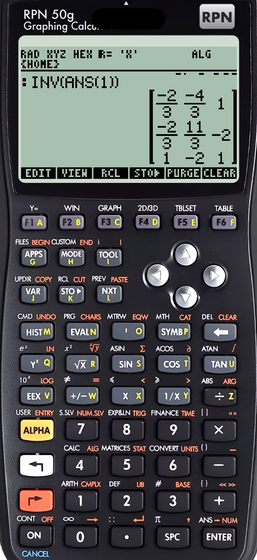
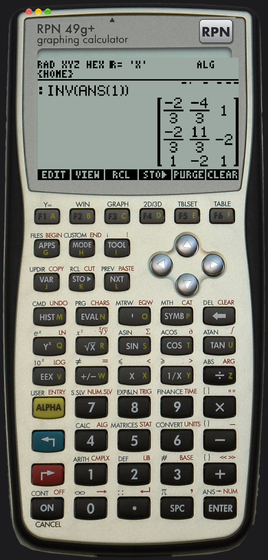
Pixel for pixel, with the full keyboard. Not a look-alike: the emulated ARM machine runs HP's firmware, so every function, mode, flag and quirk is there.
Advanced CAS
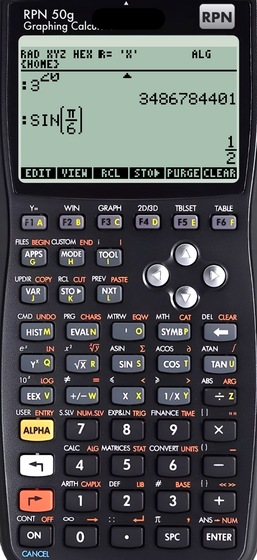
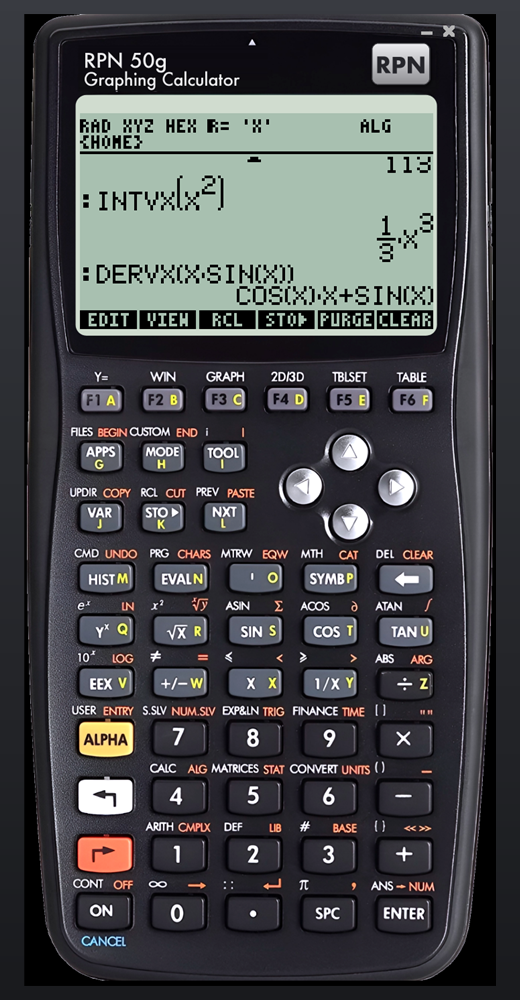
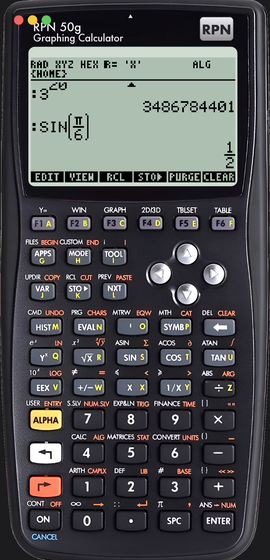
Exact arithmetic, symbolic simplification, factoring, derivatives, integrals, limits, series, equation and system solving, linear algebra — √2 stays √2, SIN(π/6) gives 1/2.
Advanced scientific calculator
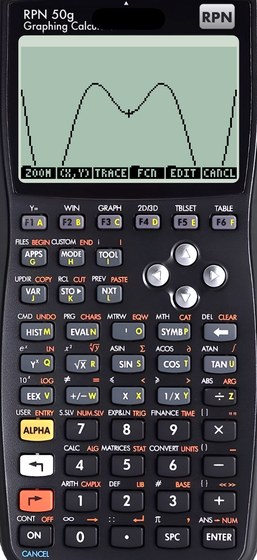
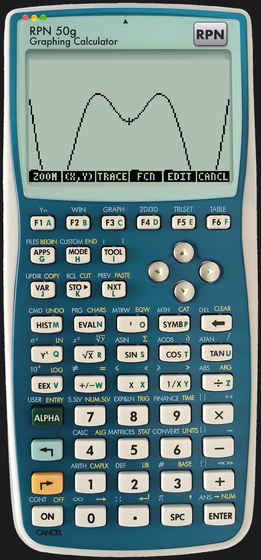
Complex numbers, matrices, statistics, units with dimensional analysis, base conversions, numeric and financial solvers, 2D/3D graphing, the Equation Library, RPL programming.
Three firmware versions
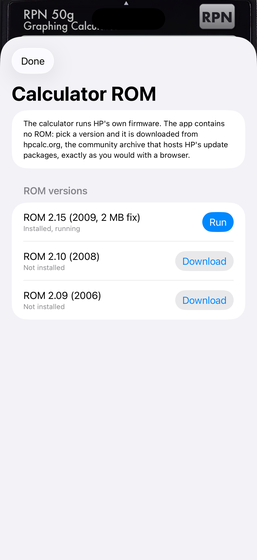
2.15 (2009, with the 2 MB fix), 2.10 and 2.09. Switch between them; each keeps its own memory.
Memory that stays
Close the app, come back later: the calculator is exactly where you left it, like the real one on your desk.
SD card
Files you put in the app's folder (Files on iOS, the Finder on the Mac, any folder on Windows) appear on the calculator's card, and what the calculator writes lands there. Install libraries such as the Equation Library as on the real machine.
Paste and hardware keyboard
Type text from the clipboard onto the calculator; use a keyboard on iPad, iPhone, Mac and Windows.
Manuals in the app
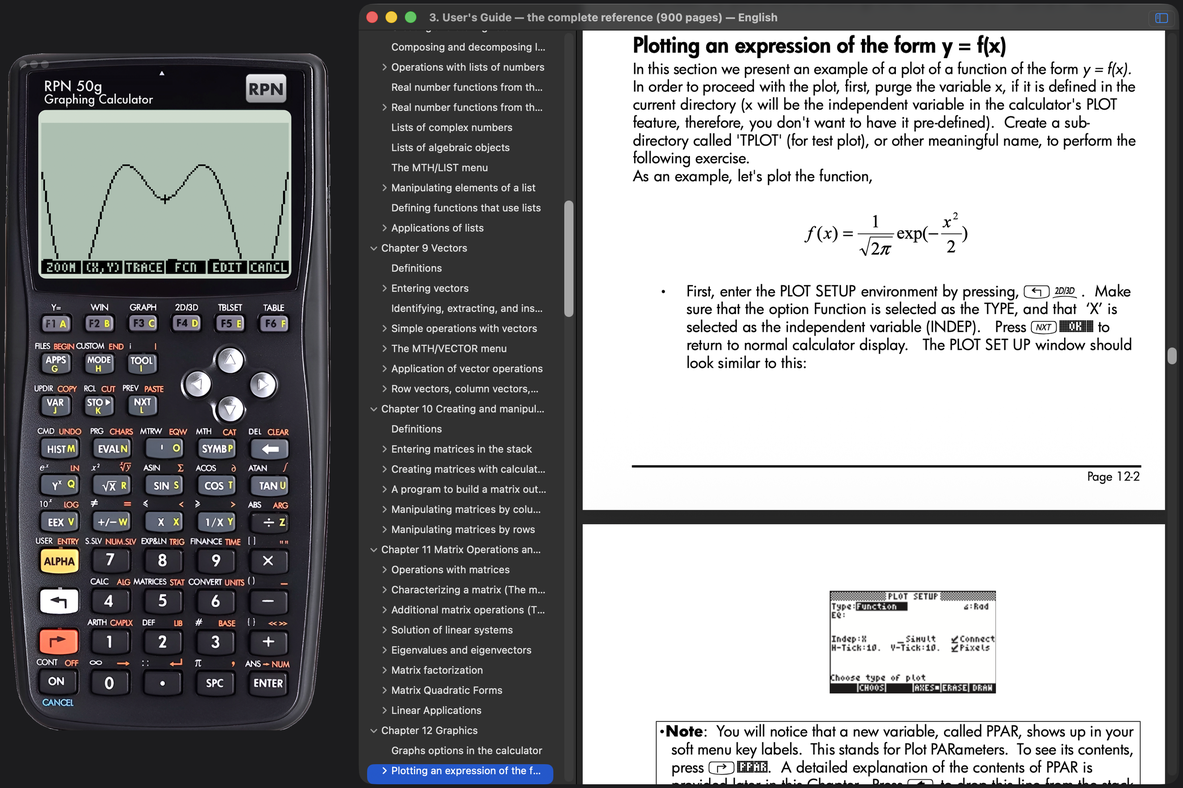
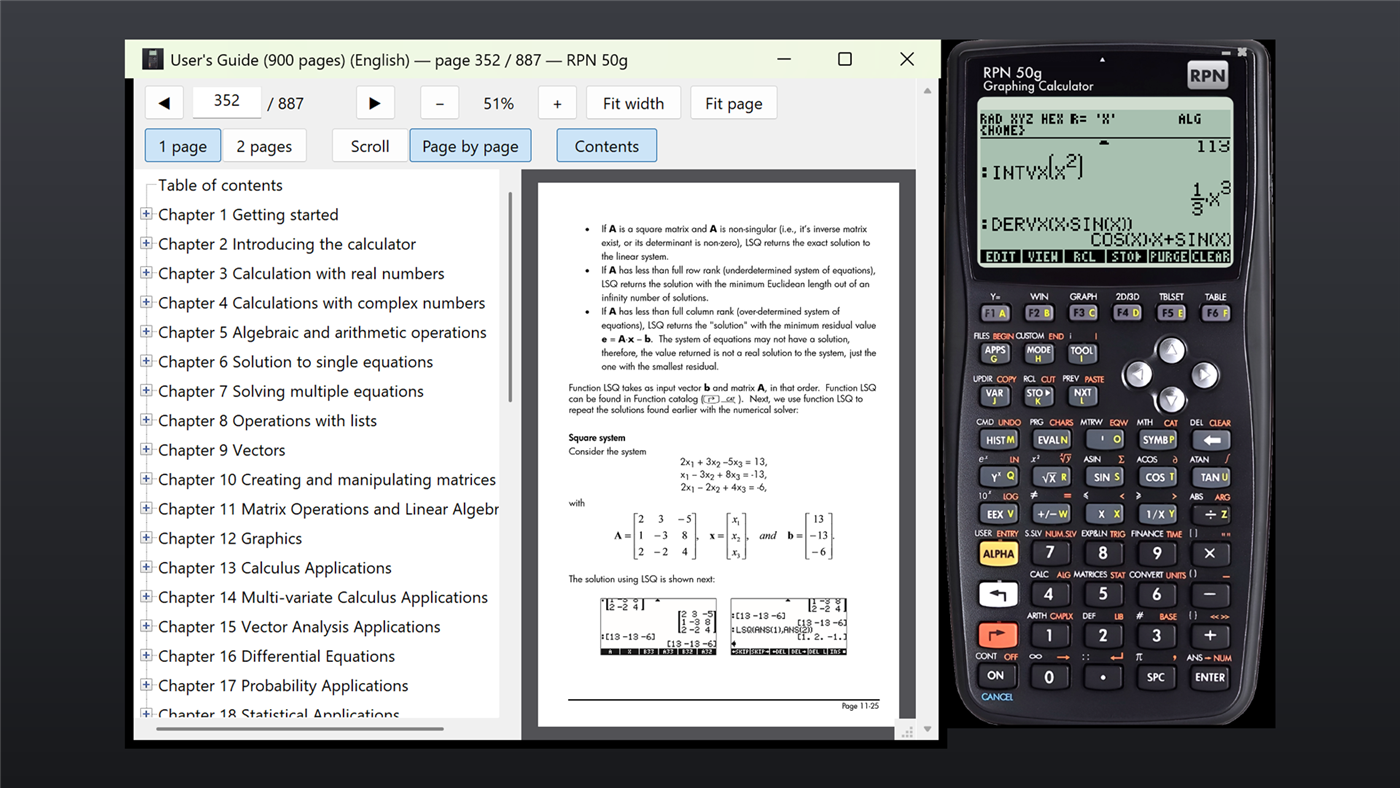
HP's User's Guide, User's Manual and Advanced User's Reference can be downloaded and read next to the calculator, single or double page, with the table of contents; the app remembers your page.
Offline, private
No account, no ads, no tracking, no data collection. Works fully offline once the firmware is on the device.
In use
Why an emulator of the HP 50g?
The HP 50g (2006–2015) is the last of the HP 48 lineage — HP 48S, 48G, 49G, 49g+ and 50g — and the most capable RPN calculator HP ever made: a 75 MHz ARM machine with a full computer algebra system, exact rational arithmetic, symbolic calculus, matrices, units with dimensional analysis, 2D and 3D graphing, an equation library and two programming languages (UserRPL and SysRPL). It is out of production and second-hand units are expensive. RPN — reverse Polish notation, where you enter the numbers first and the operation last — is what its owners never gave up. Emulating the real hardware and running HP's own firmware is the only way to get the genuine calculator, with all its functions and quirks, rather than a look-alike: RPN 50g does exactly that on iPhone, iPad, Mac and Windows, with your memory kept between sessions and an SD card you can fill from the Files app, the Finder or the Explorer. For the earlier machines — the HP 48GX and HP 48SX — see RPN 48, and for how these emulators differ from Emu48, x48ng or x50ng, see the comparison.
About the firmware
New to the machine, or rusty? HP's User's Guide (900 pages) and Advanced User's Reference Manual are free PDFs — see all manuals.
The app contains no HP software. On first launch you pick a firmware version and it is downloaded from hpcalc.org, the community archive that has hosted HP's own update packages for decades — exactly as you would with a browser. The image is then kept on your device. The emulation core was written from the ARM and Samsung reference manuals.