 RPN 50g
HP 48GX and HP 48SX calculator emulator for iPhone, iPad, Mac and WindowsRPN 48 — HP's original ROM, on an emulated Saturn.
The HP 48 is the calculator of a generation of engineers, physicists and students: RPN, RPL programming, units, symbolic algebra and graphing in one machine, from the 48SX of 1990 to the 48GX of 1993. RPN 48 emulates the calculator's hardware and runs Hewlett-Packard's original ROM: every function, every menu, every flag, every quirk — both models, each with its own memory. A true emulator, not a simulator with a look-alike keyboard.
What you get
The real HP 48
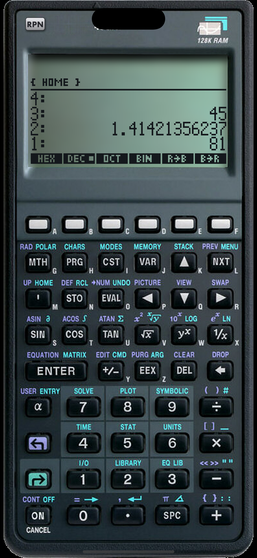
Not a look-alike: the emulated Saturn processor, memory controllers, display, keyboard and timers run HP's ROM, so the calculator behaves exactly as the one on your desk.
Two models
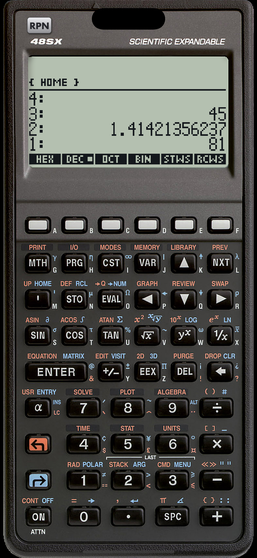
The HP 48GX (ROM revisions R and P, the 48G series' equation library, solver and plot applications, 128 KB) and the HP 48SX (ROM revisions J and E), each at its own speed.
RPN, algebra, units
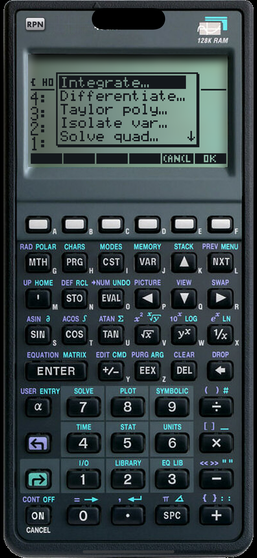
The four-level stack, symbolic expressions, derivatives, integrals and Taylor series, equation solving, complex numbers, matrices, statistics, unit conversions, base conversions, dates and times.
Graphing and programming
Function, polar, parametric, conic, differential-equation, statistics and 3D plots; RPL programs run as on the real machine.
Memory that stays
Close the app, come back later: the calculator is exactly where you left it, separately for each ROM.
Manuals in the app
HP's Quick Start Guide, User's Guide and Advanced User's Reference can be downloaded and read next to the calculator; the app remembers your page.
Hardware keyboard
Digits, operators, Return, arrows, F1–F6 and the shifts, on iPad, iPhone, Mac and Windows.
Offline, private
No account, no ads, no tracking, no data collection. Works fully offline once the ROM is on the device.
In use
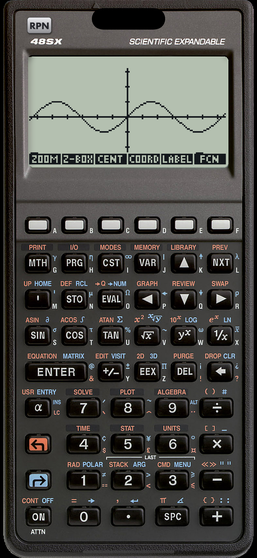
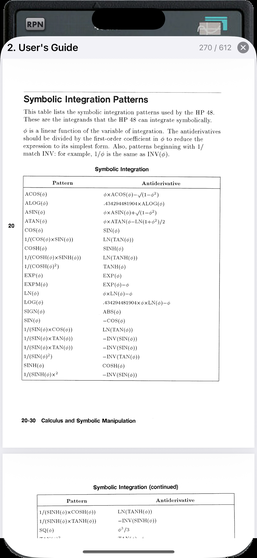
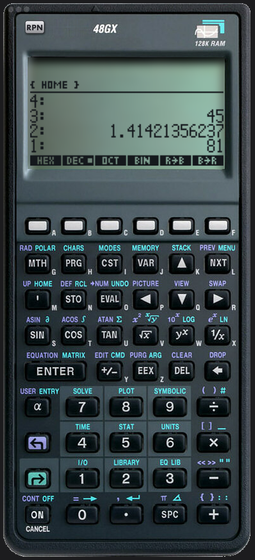
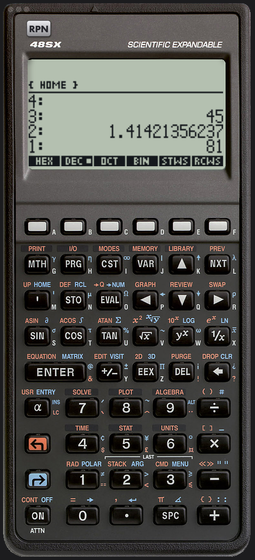
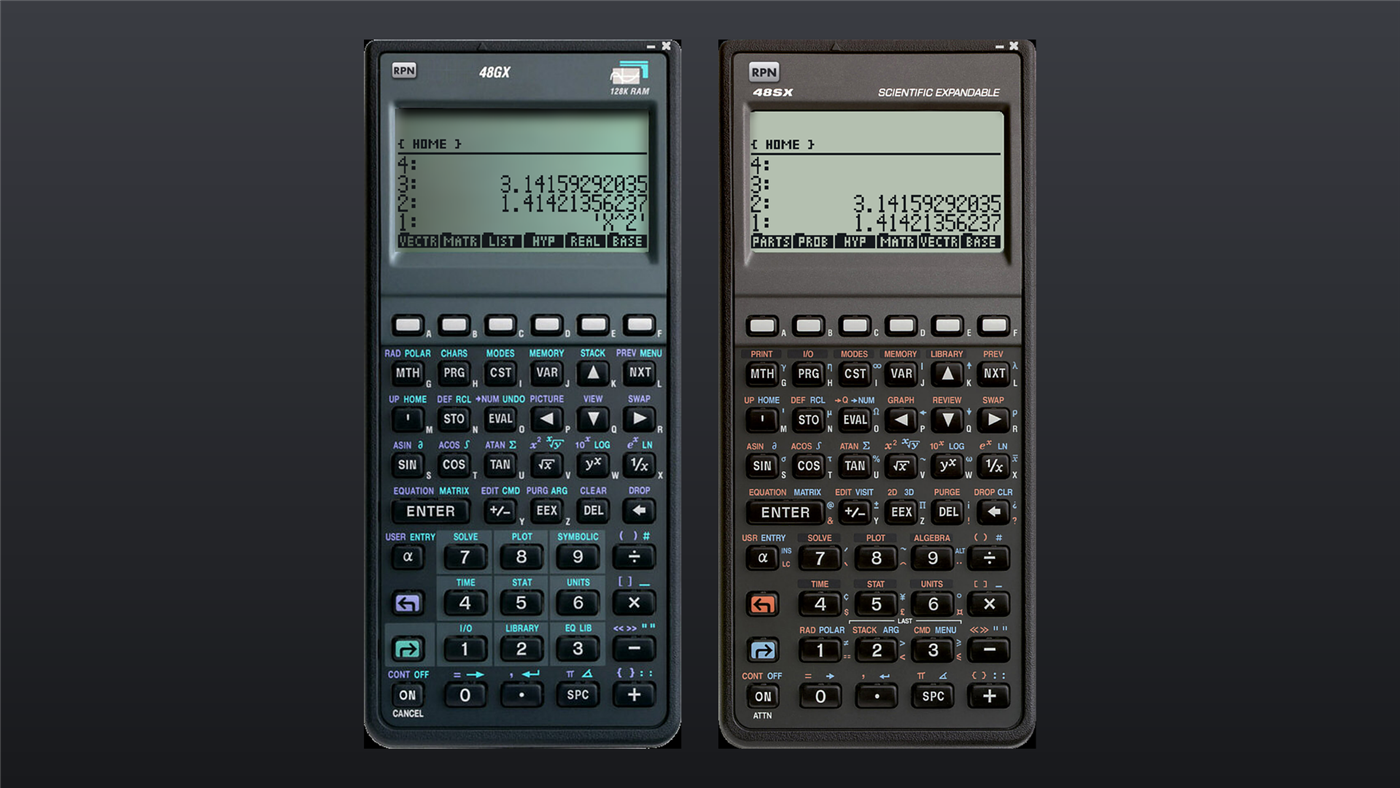
Why an emulator of the HP 48?
The HP 48SX (1990) and HP 48GX (1993) defined the scientific calculator for a decade: a Saturn processor, a 131×64 display, RPN with RPL programming, symbolic algebra, units with dimensional analysis, graphing, and expansion cards. RPN — reverse Polish notation, the numbers first and the operation last — is what made them fast in the hand. Thirty years later the machines are collectors' items and their keyboards are wearing out. Emulating the hardware and running HP's own ROM — which HP allowed to be published in 2000 — is the only way to get the genuine calculator, with all its functions and quirks: RPN 48 does exactly that on iPhone, iPad, Mac and Windows. Its bigger successor, the HP 50g, is RPN 50g; how these apps compare with Emu48, x48ng and x50ng is set out here.
About the ROM
New to the machine, or rusty? HP's HP 48G Series User's Guide (600 pages) and the community-scanned Advanced User's Reference are free PDFs — see all manuals.
The app contains no HP software. On first launch you pick a model and its ROM image is downloaded from hpcalc.org, the community archive where HP allowed the HP 48 ROMs to be published in 2000 — exactly as you would with a browser. The image is then kept on your device. The Saturn core was written from HP's Saturn documentation.